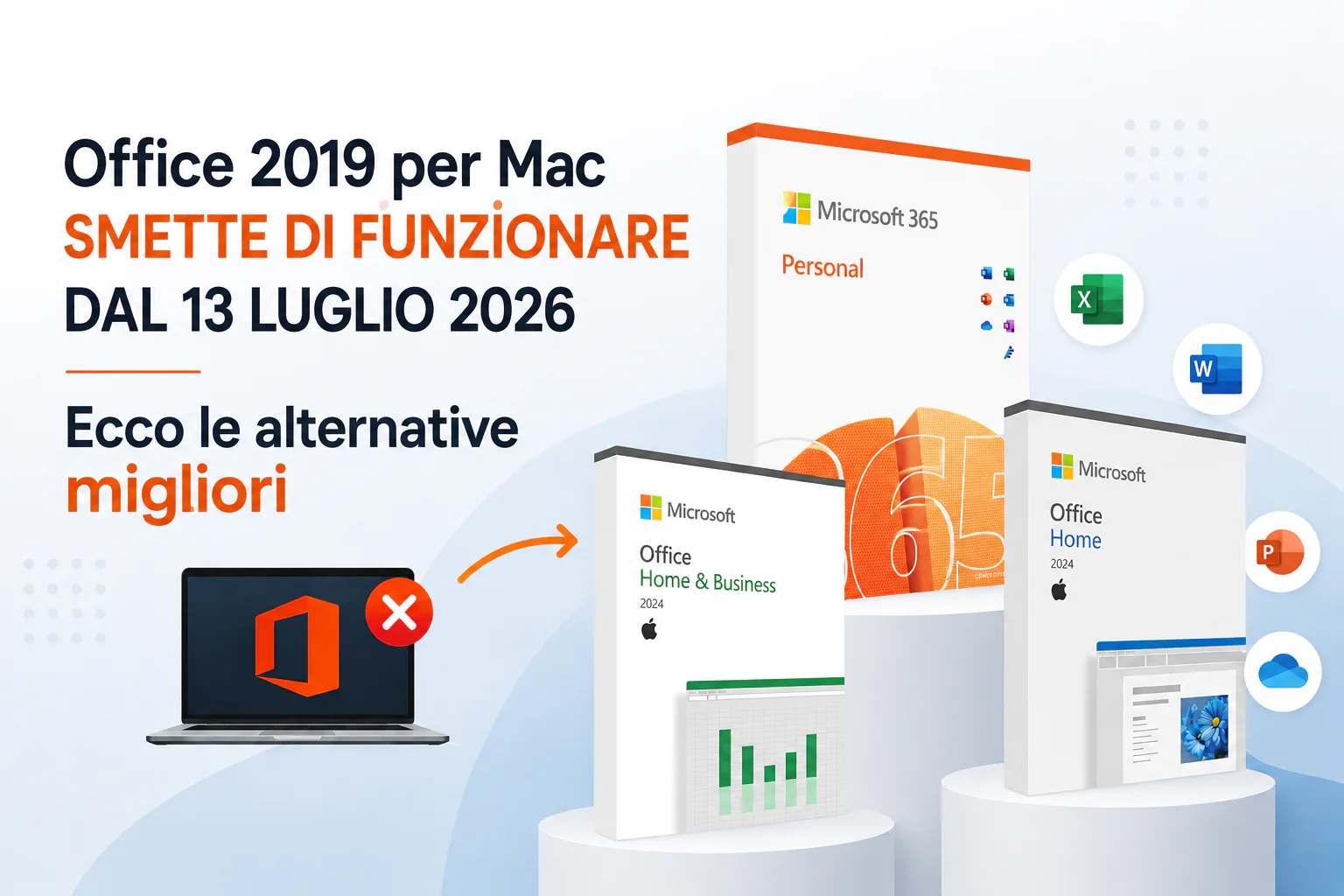
If you have Office 2019 on a Mac, there are dates to note: July 13, 2026. Starting that day, Word, Excel, PowerPoint, Outlook, and OneNote will continue to open, but you will no longer be able to edit, save, or create new files. Read only. Point.
And yes, we understand: if you purchased Office 2019 as a “lifetime” license, and thought you had closed the matter for good, this news may not please you. Especially because in 2023, when support ends, Microsoft insists that the app will continue to function normally. It lasted for two and a half years.
In any case, this is the situation right now, and the most useful thing we can do is look ahead: what has actually changed, and what is the most sensible way to avoid getting caught in the middle of the paperwork on July 14th.
What changes, in practice, from July 13th
The technical reason is a digital certificate that functions to validate the license. The certificate has expired, Microsoft is renewing it, but the update that brings the update is only available for Microsoft 365 and Office 2021. Office 2019 is no longer supported since 2023 and cannot receive it. The result: the permit is no longer formally authorized.
What this means for you depends on the system you use:
| System | What happened starting July 13th |
|---|---|
| macOS 12 Monterey or later | The application will open, you will be able to read and print existing documents, but not edit, save, or create new ones |
| macOS 11 Big Sur or earlier | The deactivation is almost total |
| iOS/iPadOS 16 or earlier | The app will no longer launch |
No major disasters in the near future, your files are still there, readable. But if you work with these documents every day, it’s clear that “read only” is not a condition you can live with for long.
Validate Office 2019 Alternatives for Mac
1. Office 2024: perpetual license, single payment
If the reason you chose Office 2019 is precisely that, pay once and that’s it, no subscriptions, Office 2024 it is a natural continuation of that choice. Same model: one-time purchase, your license is forever, includes security updates (but no new features).
There’s one requirement to check first: Office 2024 for Mac requires one of the latest versions of macOS, basically macOS 14 Sonoma or later. If your Mac is up to date, you’re probably ready to go. If it’s a bit outdated, it’s worth checking it before buying (we’ll explain how to do this below in two minutes).
Correct Mr. Key Shop You can purchase Office 2024 for Mac Home & Business and Home, at a much lower price than Microsoft’s list price, with a genuine license and regular activation.
2. Microsoft 365: subscribe, always up to date, works anywhere
If you prefer not to think about it, there are no certificate expirations, no old versions, always the latest version available, Microsoft 365 is the most “future-proof” way to go. It’s a subscription (monthly or yearly), includes classic apps plus OneDrive, Teams, and cloud tools, and works on any recent version of MacOS, including the browser, if your Mac doesn’t support the latest desktop apps.
It’s also the only truly universal option if your Mac is too old for Sonoma: Microsoft 365 through the browser works regardless of which version of macOS you have installed.
At Mr Key Shop you can buy Microsoft 365 Personal at a fraction of the official price, with an original license that can be activated immediately.
3. Free alternatives: iWork and LibreOffice
If you want to take a break from Microsoft, there are two free ways that can be used for most general use:
I work (Pages, Numbers, Keynote) comes from Apple, is free, may already be on your Mac or can be downloaded from the Mac App Store. Reads and writes Word, Excel and PowerPoint formats without major problems for standard documents: letters, simple spreadsheets, presentations. Obviously there is no expiration date for the license, because it is not a license: it is free and that’s it.
LibreOffice it’s the most comprehensive open source suite for those working primarily on the desktop. Writer, Calc, Impress covers Word, Excel and PowerPoint with a good level of compatibility on very complex documents with complex formatting, some minor layout differences may occur, but for everyday work it holds up well.
For those who use Office in a simple way: writing documents, managing basic spreadsheets, creating some presentations, these two options are more than enough, and at no cost.
Office 2024 or Microsoft 365: how to choose
| With… | You choose |
|---|---|
| You want to pay once and never have to think about it again, and your Mac supports Sonoma | Office 2024 |
| You always want the latest version, you’re also into the cloud and collaboration, or your Mac is just out of date | Microsoft 365 |
| You use Office on multiple devices (Mac, PC, mobile) with the same account | Microsoft 365 |
| You work on one device and want full control, no extensions | Office 2024 |
| You use Office occasionally and with ease | iWork or LibreOffice (free) |
One practical thing: with a one-time purchase of Office 2024, the cost will pay for itself compared to a Microsoft 365 subscription in about 10-12 months of use. If you plan to use Office for several years on the same Mac, a perpetual license is almost always the most economical choice over time, provided your system supports the terms.
How to check if your Mac supports macOS Sonoma
Before purchasing Office 2024, take two minutes to check:
- Go on Apple Menu > About This Mac
- Check the version of macOS installed
- If you have macOS 14 Sonoma or later, you can use Office 2024
- If you have an older version, check that your Mac model is compatible with the Sonoma upgrade (Apple keeps a list of supported models), if so, you can upgrade for free before installing Office
- If your Mac doesn’t support Sonoma, Microsoft 365 (even via browser) remains the safest option
Buy Office 2024 or Microsoft 365 at Mr Key Shop
Whichever path you choose between Microsoft’s two options, it’s on Mr. Key Shop You will find both at prices much lower than the official list price, with original and guaranteed licenses.
- Office 2024 Home & Business for Mac: perpetual license, for personal and commercial use
- Office 2024 Standard for Mac: perpetual license, all major applications
- Microsoft 365 Personal: subscription, always updated, including cloud
Completely digital purchase: you receive the license and activation instructions by email within a few minutes, install from the official Microsoft website and activate with the received key. If you’re unsure about which option is right for you, or need help with activation, our Italian language support is free before, during and after purchase.
General Questions
When will Office 2019 for Mac stop working?
Starting July 13, 2026 enters read-only mode: existing documents can still be opened and printed, but cannot be modified, saved or created.
Why does this happen if I have purchased a lifetime license?
The digital certificate validating the license will expire on July 13, 2026. Microsoft has updated it, but the update is only done via updates intended for Microsoft 365 and Office 2021, Office 2019, which has not been supported since 2023, cannot receive it.
Can I still open files created with Office 2019?
Yes, on macOS Monterey and later you will be able to open, read, and print existing documents. On macOS Big Sur or earlier, the disabling is almost total.
Is Office 2021 a valid solution?
Only in the short term. Office 2021 support ends on October 13, 2026, a few months from now, and could cause similar problems as it does now.
Which requires fewer requirements, Office 2024 or Microsoft 365?
Office 2024 for Mac requires macOS 14 Sonoma or later. Microsoft 365, especially through the browser, also works on older versions of macOS.
Is it better to buy Office 2024 or subscribe to Microsoft 365?
If you only want to pay once and your Mac supports Sonoma, Office 2024 will pay for itself in about 10 to 12 months compared to a subscription. If you prefer continuous updates, cross-device use, or cloud tools, Microsoft 365 is a better fit.
Where can I buy Office 2024 or Microsoft 365 for Mac at the best price?
At Mr Key Shop: original license, discount compared to the official price list, delivery by email in a few minutes and free help in Italian.
Is there a completely free alternative?
Yes: iWork (Pages, Numbers, Keynote) is free on Mac and reads/writes Office formats for most general uses. LibreOffice is a complete open source suite, especially valid on the desktop.
PakarPBN
A Private Blog Network (PBN) is a collection of websites that are controlled by a single individual or organization and used primarily to build backlinks to a “money site” in order to influence its ranking in search engines such as Google. The core idea behind a PBN is based on the importance of backlinks in Google’s ranking algorithm. Since Google views backlinks as signals of authority and trust, some website owners attempt to artificially create these signals through a controlled network of sites.
In a typical PBN setup, the owner acquires expired or aged domains that already have existing authority, backlinks, and history. These domains are rebuilt with new content and hosted separately, often using different IP addresses, hosting providers, themes, and ownership details to make them appear unrelated. Within the content published on these sites, links are strategically placed that point to the main website the owner wants to rank higher. By doing this, the owner attempts to pass link equity (also known as “link juice”) from the PBN sites to the target website.
The purpose of a PBN is to give the impression that the target website is naturally earning links from multiple independent sources. If done effectively, this can temporarily improve keyword rankings, increase organic visibility, and drive more traffic from search results.

