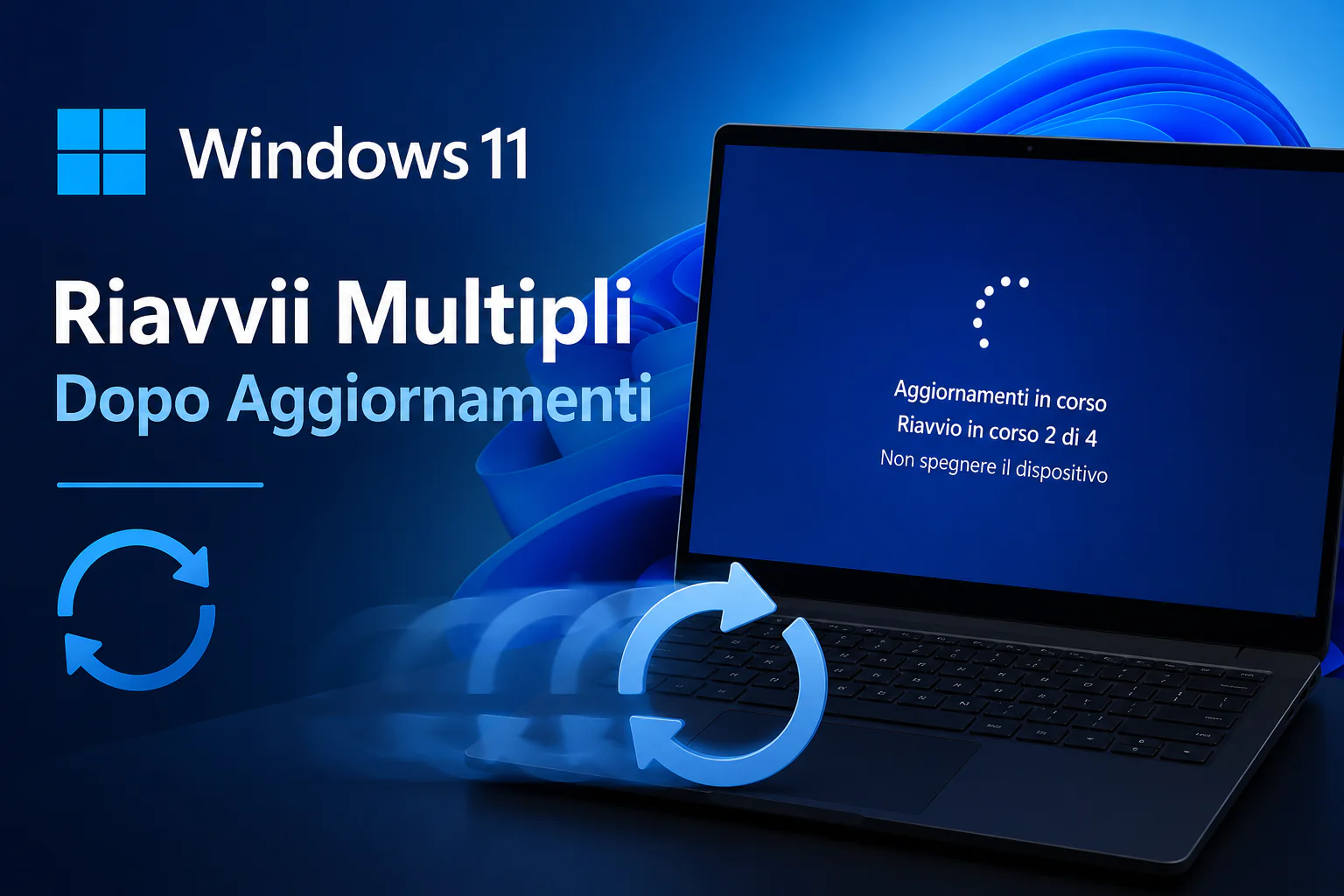
Repeated reboots on Windows 11 after an update can scare many users into thinking there is a problem with the system. However, it’s important to note that Microsoft recently confirmed that this behavior is completely normal. This reboot is often associated with advanced security features such as Secure Boot.
In today’s context, cyber security is more important than ever. Windows 11 integrates several security measures designed to protect the system from external threats, and Secure Boot is one of them. In this article, we’ll find out why Windows 11 requires multiple reboots after an update, how to handle these reboots, and the importance of features like Secure Boot to keep your system safe.
- Microsoft has confirmed that Windows 11 may restart multiple times after an update, a behavior that is expected to occur in 2026.
- Secure Boot is a feature designed to ensure that the operating system only launches authorized software.
- Windows 11 updates may require up to three consecutive reboots depending on their size and complexity.
- Newer versions of Windows 11 have improved the update process, reducing user downtime.
- Users can monitor update status via the “Windows Update” section in settings.
- It’s important to keep your drivers and firmware up to date to avoid compatibility issues during updates.
- Users can find Windows 11 licenses at competitive prices at Mr Key Shop.
What is Secure Boot and how does it work
Secure Boot is an important security feature that is part of UEFI firmware, designed to ensure that your computer boots only trusted software provided by the manufacturer. When the PC starts up, Secure Boot checks the signature of the software loaded at startup and verifies that the software has not been modified or comes from an unauthorized source.
How Secure Boot protects your system
Secure Boot interacts with the computer’s BIOS and firmware to ensure that only genuine software is booted. This authentication process is very important to prevent the entry of malware that can harm your system when booting.
Advantages of Secure Boot
Thanks to Secure Boot, users benefit from enhanced security, with additional protection against malware and malicious software that may infiltrate during the boot phase of the operating system. This feature is very useful for preventing unauthorized changes to startup software.
Windows 11 Update: What to Expect
Windows 11 receives two main types of updates: feature updates and security updates. Feature updates introduce new features and enhancements, while security updates are critical to fixing vulnerabilities and protecting your system from emerging threats.
Update frequency
Microsoft regularly releases updates for Windows 11, with security updates every month and functionality updates every six months. This approach helps keep the system updated and secure.
What causes multiple reboots
Repeated reboots are often caused by the need to properly install new features and security patches. Installing complex updates may require multiple reboots to ensure that all system changes are applied correctly and safely.
How to handle multiple reboots
Managing multiple Windows 11 reboots is easy if you follow a few important steps. First, it’s important to schedule updates during downtime to reduce their impact on your daily operations. Additionally, make sure your device is connected to a power source to avoid interference.
Tracking updates
To monitor update status, go to the “Windows Update” section in settings. From here, you can check for available updates, view the installation status, and even schedule a reboot for a more convenient time.
solution to problem
If rebooting becomes redundant or problematic, check for pending updates and make sure all drivers are up to date. You may also want to run the Windows Update troubleshooter to identify and fix any problems.
Best practices for safety and maintenance
Keeping your system safe and functioning properly requires regular attention. Here are some best practices to follow:
The importance of updating drivers regularly
Updating your drivers regularly is essential to ensure that all your hardware components function properly with your operating system. Updated drivers can also improve system stability and performance.
Regular backup
Before carrying out significant updates, it is recommended to perform regular data backups. Use a reliable backup tool to protect your files and ensure they can be restored if there are problems during the upgrade.
To further enhance the security of your system, consider purchasing a reliable antivirus available at Mr Key Shop.
Practical impact for users
Understanding how Windows 11 behaves after an update is essential to avoid unnecessary worries. Repeated reboots are not an indication of a system problem, but rather a measure to ensure safe and complete updates.
Secure Boot plays an important role in this process, protecting your system from startup threats and ensuring only safe software runs. Users can benefit from scheduling updates at the right time to minimize the impact on their daily activities.
Final thoughts
Understanding how Windows 11 behaves post-update is critical to ensuring your system runs optimally. Repeated reboots are an integral part of the update process that improves the overall security and stability of the operating system.
If you want to explore the best deals on Windows 11 licenses or other security software, visit Mr Key Shop and find the solution that best suits your needs.
Frequently asked questions
Why does Windows 11 restart repeatedly after update?
Microsoft has confirmed that this is normal behavior related to Secure Boot, which ensures safe system startup.
What are the advantages of Secure Boot?
Secure Boot prevents the installation of malicious software at startup, thereby increasing system security.
What to do if my PC keeps restarting?
Check the “Windows Update” section for any pending updates and make sure your drivers are up to date.
How long does it take to complete Windows 11 update?
The update may take a few minutes, but depending on the complexity, it may require several reboots.
Where can I buy a Windows 11 license?
You can find Windows 11 licenses and other software at competitive prices at Mr Key Shop.
PakarPBN
A Private Blog Network (PBN) is a collection of websites that are controlled by a single individual or organization and used primarily to build backlinks to a “money site” in order to influence its ranking in search engines such as Google. The core idea behind a PBN is based on the importance of backlinks in Google’s ranking algorithm. Since Google views backlinks as signals of authority and trust, some website owners attempt to artificially create these signals through a controlled network of sites.
In a typical PBN setup, the owner acquires expired or aged domains that already have existing authority, backlinks, and history. These domains are rebuilt with new content and hosted separately, often using different IP addresses, hosting providers, themes, and ownership details to make them appear unrelated. Within the content published on these sites, links are strategically placed that point to the main website the owner wants to rank higher. By doing this, the owner attempts to pass link equity (also known as “link juice”) from the PBN sites to the target website.
The purpose of a PBN is to give the impression that the target website is naturally earning links from multiple independent sources. If done effectively, this can temporarily improve keyword rankings, increase organic visibility, and drive more traffic from search results.