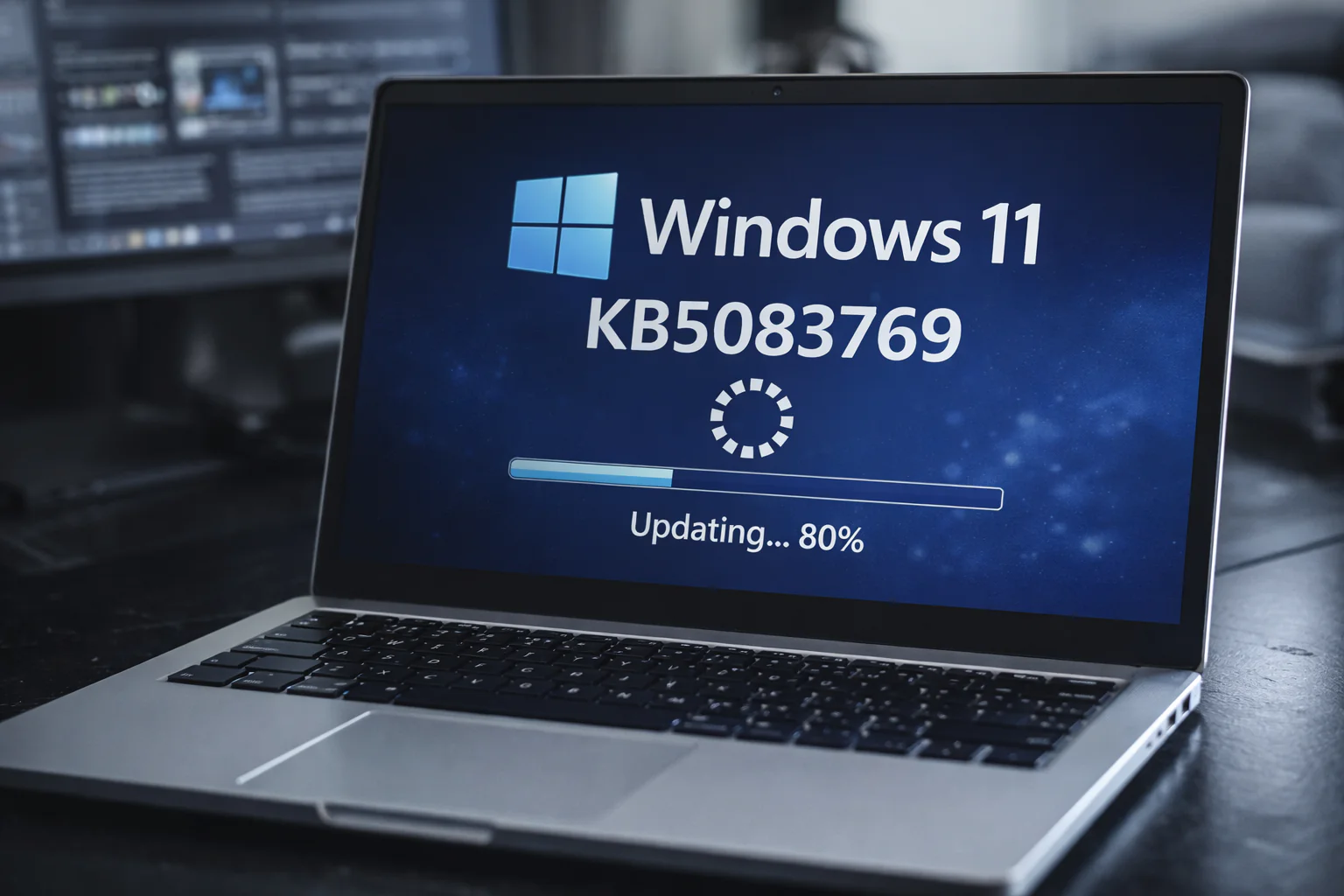
In the era of remote work and growing digitalization, secure and high-performance connections via Remote Desktop have become essential for companies and individual users. Microsoft recently released update KB5083769 for Windows 11, bringing major changes to Remote Desktop that promise to significantly improve security and performance.
This update, released on January 10, 2026, introduces a series of advanced features designed to address increasingly sophisticated cyber threats and to optimize remote connections by reducing latency times. In addition, this change is very beneficial for small and medium businesses (SMEs) that implement a hybrid work model.
In this article, we will explore the benefits offered by the KB5083769 update in detail, focusing on new security features, performance improvements, and practical instructions on how to apply this important update.
- Update KB5083769 was released on January 10, 2026.
- Introducing new security features for Remote Desktop, including advanced anti-phishing measures.
- Improved Remote Desktop connection performance, with a 25% reduction in latency time.
- Support for connecting multiple devices simultaneously for business users.
- Extended compatibility with third-party security protocols.
- Availability of detailed guidance on how to apply the update.
- This change is very useful for SMEs that implement a hybrid work system.
1. What’s new in KB5083769 update
The KB5083769 update introduces a number of significant changes to Windows 11 Remote Desktop. In particular, it implements new security features designed to protect users from cyber attacks, such as phishing, which are on the rise. These measures include advanced authentication controls and encryption of transmitted data, minimizing the risk of malicious interception.
Additionally, this update improves network performance, promising to reduce latency times by 25%. This is especially beneficial for SMEs and users who need fast and stable connections to facilitate collaborative work and real-time resource sharing.
2. Remote Desktop Security Benefits
The new security measures included in the KB5083769 update are designed to address increasingly sophisticated cyber threats. Integration of advanced anti-phishing tools protects users from credential theft attempts, while multi-factor authentication provides an additional layer of security for remote access.
According to recent statistics, phishing attacks are one of the main threats to businesses, with an increase of 30% compared to previous years. The KB5083769 update addresses this issue, providing users with a more secure environment to perform critical operations and protect sensitive data.
3. Improved performance for users
The performance improvements introduced by KB5083769 should not be overlooked. Latency reduction, combined with connection optimization, allows users to experience greater fluidity when using Remote Desktop. This results in greater operational efficiency, reduced wait times, and improved overall user experience.
Tests conducted after the update showed significant improvements in remote connection speed and stability, making Windows 11 a more reliable platform for remote work.
4. Implementation of update KB5083769
Applying the KB5083769 update is a simple and easy process. Users can go to the Windows 11 “Settings” menu, select “Update & Security” and start downloading and installing available updates. It’s best to make sure your operating system is up to date and all system requirements are met before proceeding.
For more details, there is an official guide that provides step-by-step instructions on how to configure the new features and optimize your use of Remote Desktop after the update. For SMEs, these resources can be extremely helpful in ensuring effective and smooth implementation.
Practical impact for users
After the update, users will experience a more secure and performant connection, which is important for daily operations, especially in the context of remote or hybrid work. SMBs, in particular, will benefit from the ability to support multiple devices simultaneously, improving collaboration across distributed teams.
In real-world scenarios, such as video conferencing or accessing a corporate server, improvements to Remote Desktop will have a positive impact on productivity by reducing distractions and improving the quality of virtual interactions.
For those looking for an updated Windows license, Mr Key Shop offers genuine Windows licenses that support all the new Remote Desktop features.
Final thoughts
Keeping systems updated is critical to ensuring not only security, but also optimal performance. Windows 11 update KB5083769 represents a significant step towards a more secure and efficient remote work environment. For those looking to upgrade their software, Mr Key Shop offers a range of reliable and affordable solutions, including Office licensing to further increase business productivity.
Frequently asked questions
What are the key improvements to Remote Desktop with KB5083769?
This update introduces new security measures and improves performance, reduces latency, and supports more devices.
How to install the KB5083769 update?
You can install updates directly from the Windows Update menu; More details are available in the official guide.
Is the KB5083769 update free?
Yes, the update is available free for all Windows 11 users.
Are there any risks in upgrading Remote Desktop?
This update is designed to improve security, but it is always recommended to perform a backup before proceeding.
How will this update impact SMEs?
SMBs will benefit from enhanced security and increased operational efficiency with support for multiple simultaneous connections.
PakarPBN
A Private Blog Network (PBN) is a collection of websites that are controlled by a single individual or organization and used primarily to build backlinks to a “money site” in order to influence its ranking in search engines such as Google. The core idea behind a PBN is based on the importance of backlinks in Google’s ranking algorithm. Since Google views backlinks as signals of authority and trust, some website owners attempt to artificially create these signals through a controlled network of sites.
In a typical PBN setup, the owner acquires expired or aged domains that already have existing authority, backlinks, and history. These domains are rebuilt with new content and hosted separately, often using different IP addresses, hosting providers, themes, and ownership details to make them appear unrelated. Within the content published on these sites, links are strategically placed that point to the main website the owner wants to rank higher. By doing this, the owner attempts to pass link equity (also known as “link juice”) from the PBN sites to the target website.
The purpose of a PBN is to give the impression that the target website is naturally earning links from multiple independent sources. If done effectively, this can temporarily improve keyword rankings, increase organic visibility, and drive more traffic from search results.